
Cape Wired · Shopify & AI Integration
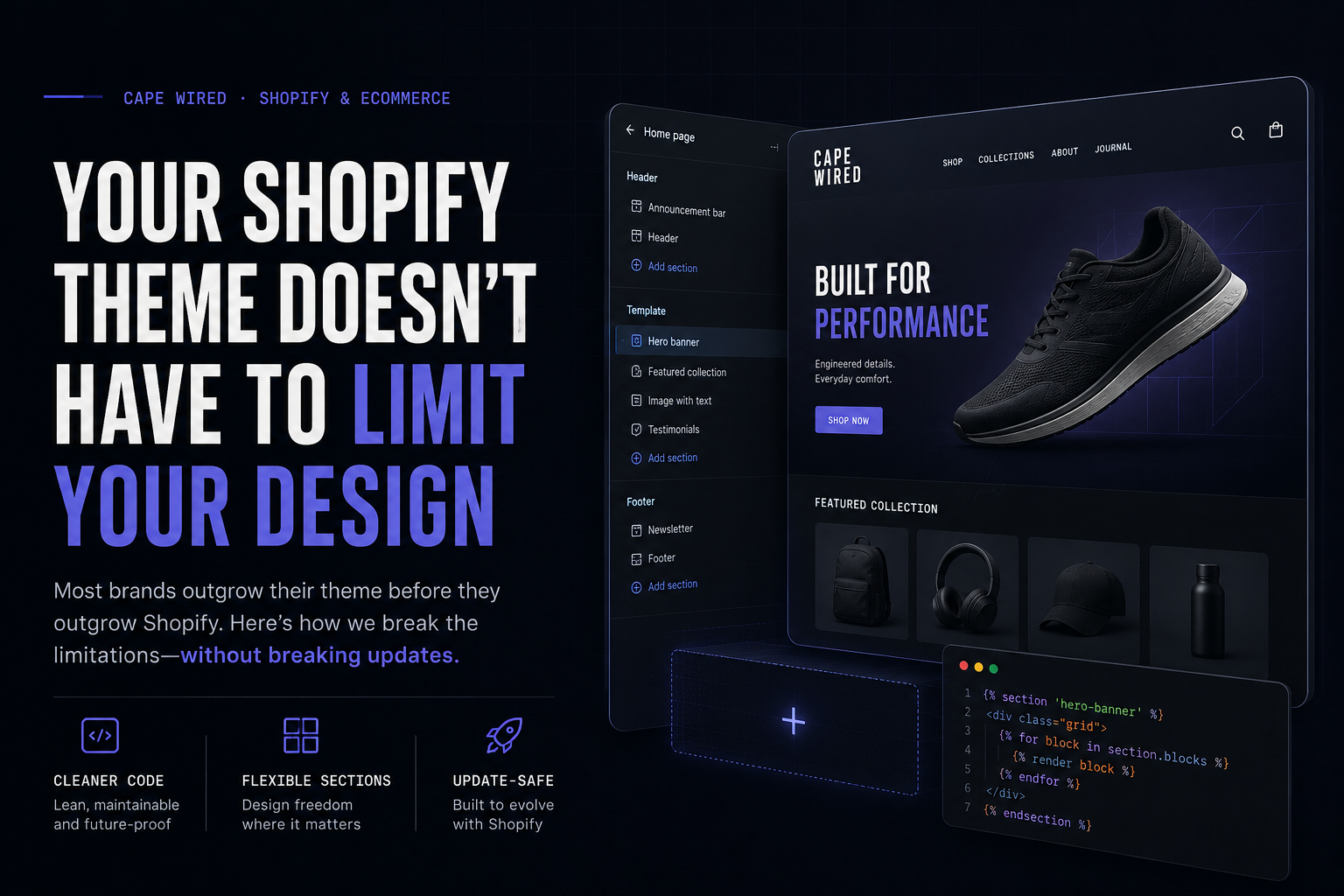
Your theme doesn’t
have to limit
your design.
Why the right answer to “this theme doesn’t quite fit” usually isn’t another round of theme-shopping.
Most Shopify stores look the way their theme template decided they should look. Pick a theme, customize the colors and fonts in the settings panel, and you’re working within whatever structure that theme’s developer built: a product grid that’s always 4 columns, a collection page that always shows a filter sidebar, a product card that always displays the same three pieces of information in the same order.
For a lot of stores, that’s fine. But once your catalogue gets specific (different products that genuinely need different information shown, a visual identity that doesn’t match any theme’s built-in style, or a page that needs to do something the theme template was never designed to do) you hit a wall. The usual answer is “switch themes” or “hire a developer to edit the theme’s core files,” both of which are disruptive and risk breaking things elsewhere on the store.
There’s a third option that gets used far less than it should: Custom Liquid.
The theme-shopping problem nobody talks about
Before getting to the fix, it’s worth naming the problem a lot of store owners hit first: finding the right theme at all.
The Shopify theme store has hundreds of options, and most of them look polished in the preview screenshots. The trouble starts after you install one. A theme that looked perfect for a clean minimalist brand turns out to have a rigid product grid that can’t show the one extra spec field your products actually need. Another theme has gorgeous typography but no sensible way to display a product with several scent or size variants. A third looked right in every screenshot but feels like a completely different brand once your own photos and copy are dropped in.
So you try another theme. And another. Each switch means redoing settings, reuploading images, rebuilding sections, and hoping nothing breaks on the way. Many store owners burn through several themes over months, accepting an “okay, close enough” theme not because it’s right, but because the search itself has gotten too expensive to keep going.
This is the part that’s easy to miss: the issue usually isn’t the theme. It’s that no theme, however well designed, can anticipate every product type and every brand’s specific needs. You’re not failing to find the right theme. You’re discovering that “the right theme” for a store with real specifics often doesn’t exist off the shelf.
A rigid theme template breaks under real product variation. A Custom Liquid layout is shaped around it from the start.
What Custom Liquid actually lets you do
Liquid is Shopify’s own templating language; it’s what every theme is built from. Shopify exposes a “Custom Liquid” block type in the theme editor that lets you write your own HTML, CSS, and Liquid logic directly into any page, section by section, without touching a single theme file. It sits alongside your theme rather than replacing it.
In practice, this means you can:
- Design a product card layout the theme doesn’t offer. Full control over spacing, typography, imagery, and what information shows where, rather than whatever fields the theme template exposes.
- Build genuinely different page structures for genuinely different products. A fragrance with six scent variants doesn’t need the same layout as a simple single-SKU accessory, and Custom Liquid lets each page be shaped around what it’s actually selling rather than forced into one template.
- Add real interactivity the theme doesn’t include. Working Add to Cart buttons with live price-switching between sizes, quantity steppers, visual indicators (a “hold strength” meter, for example), all wired up with plain JavaScript calling Shopify’s own cart API, no app subscription required.
- Keep full design consistency across an entire product range. A single shared stylesheet block, reused across every product card, so a 12-product collection page looks and behaves identically without copy-pasting style rules into every single block.
None of this requires switching themes, paying for a page-builder app, or risking a theme update wiping out custom work, because it’s not inside the theme at all. It’s content sitting on top of it.
Where this makes a real difference
Collection pages with real products, not just a grid. A theme’s default collection page is built to handle any catalogue generically, which means it can’t show anything specific to your products. Custom Liquid lets a collection page become a series of full product cards: real specs, real pricing, a working buy button, styled exactly to the brand, while keeping the page genuinely simple to maintain because the shared design lives in one place.
Products with variants that actually need to be seen. A product that comes in two sizes at two different prices needs the size choice and the price to update together, visibly, the moment someone picks an option. Many themes handle this adequately for a single product page; far fewer make it easy to do the same thing inside a custom collection layout, where you’re not working from the theme’s built-in product object at all. Custom Liquid, paired with Shopify’s AJAX cart API, makes this straightforward to build correctly.
A brand identity that doesn’t fit a theme’s defaults. Most themes ship with a handful of font and color combinations. If your brand has a specific visual language (a particular type pairing, a specific way numbers and labels should look, a hover state that should feel like the rest of your site) Custom Liquid blocks can carry that styling consistently across every page they touch, independent of whatever the theme’s own design defaults to.
The tradeoff worth knowing
Custom Liquid isn’t free. It’s a tradeoff, not a magic fix. A few things are worth knowing before going down this road:
- It’s still hand-built. A theme’s native product grid pulls live data automatically. A custom-built card layout, unless specifically wired to do the same, displays whatever was true when it was built. If a price or stock status changes in the admin, someone needs to update the corresponding block to match, or build the more involved version that pulls live data via Liquid’s own product and collection objects, which is possible but is a more advanced build.
- It needs a careful hand with variant IDs. Anything with a real Add to Cart button needs the exact correct variant ID, not just a product ID. A mix-up between the two is one of the most common mistakes when wiring this up, and it fails in a way that looks fine until someone actually tries to buy.
- It’s a section-by-section investment, not a toggle. Each page or product type that needs this treatment is its own piece of work. It pays off most where the page is high-traffic, high-value, or genuinely needs something the theme can’t offer, not necessarily across an entire 200-product catalogue on day one.
The bigger point
A theme is a starting point, not a ceiling. The right answer to “this theme doesn’t quite fit” is rarely another round of theme-shopping. If your store’s product pages all look the same because the theme made that decision for you, that’s a choice you can undo, section by section, without a full rebuild, without an app subscription, and without losing what already works.
This is the kind of custom Shopify build work we do for stores across the Western Cape and beyond, taking a theme past its built-in limits without throwing out what’s already working.
Book a free discovery call →